Screenpane app icon

Screenpane for Mac

One capture in. Every App Store screenshot out.

A Mac app that turns your Simulator screenshots into finished App Store and Google Play screenshots at every size, then translates, checks and uploads them for you. Or let your coding agent make them.

14 days free, no signup. £29 once (about $39), or £7 a month. macOS 15 or later.

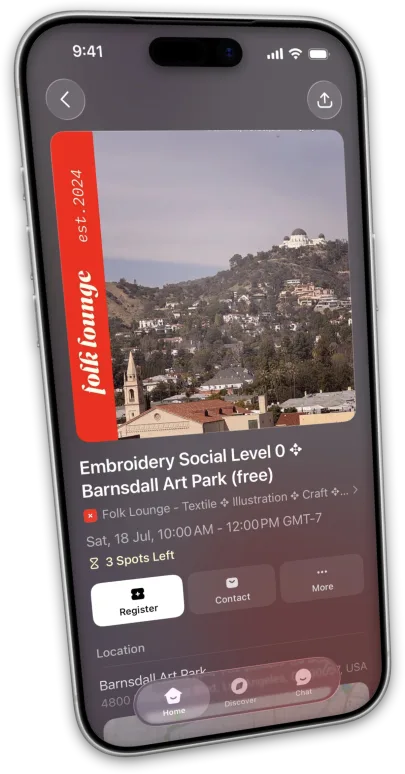
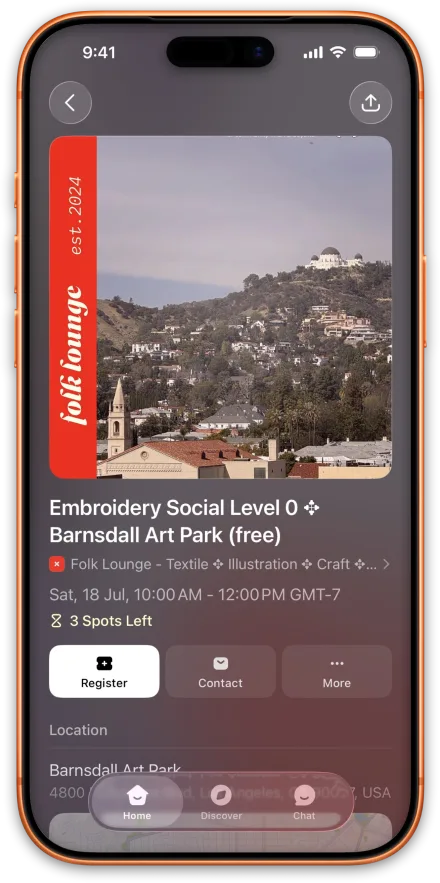
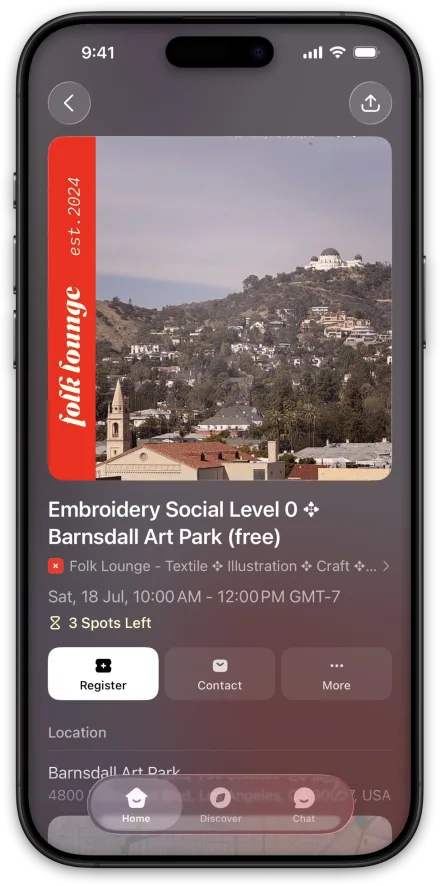
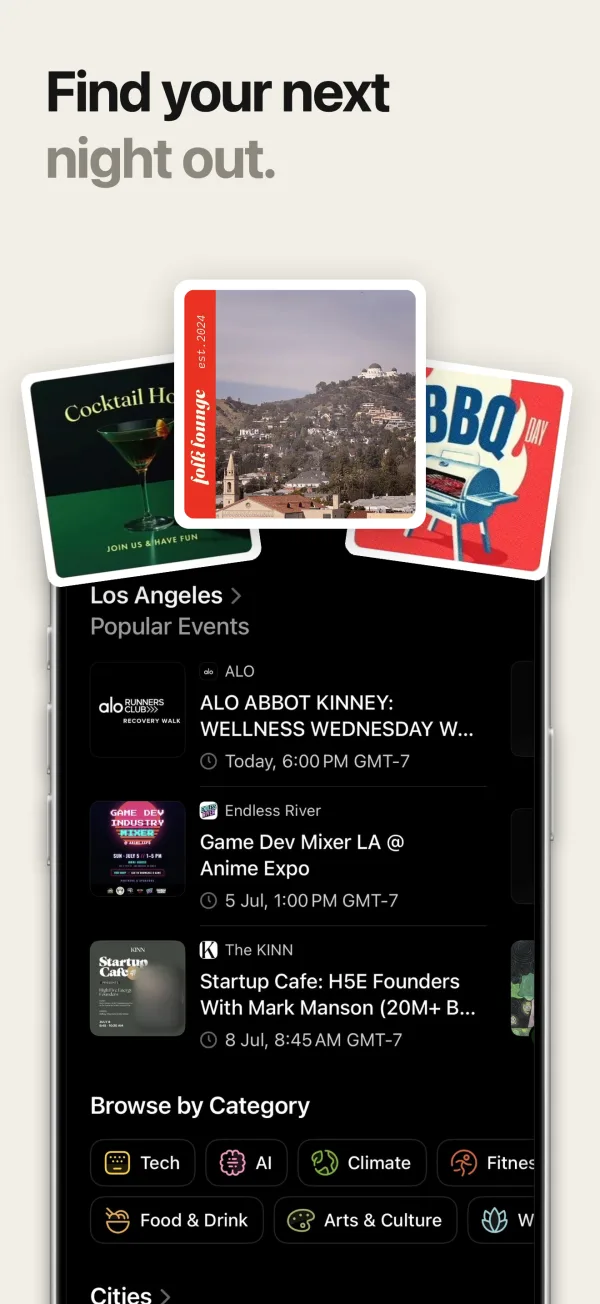
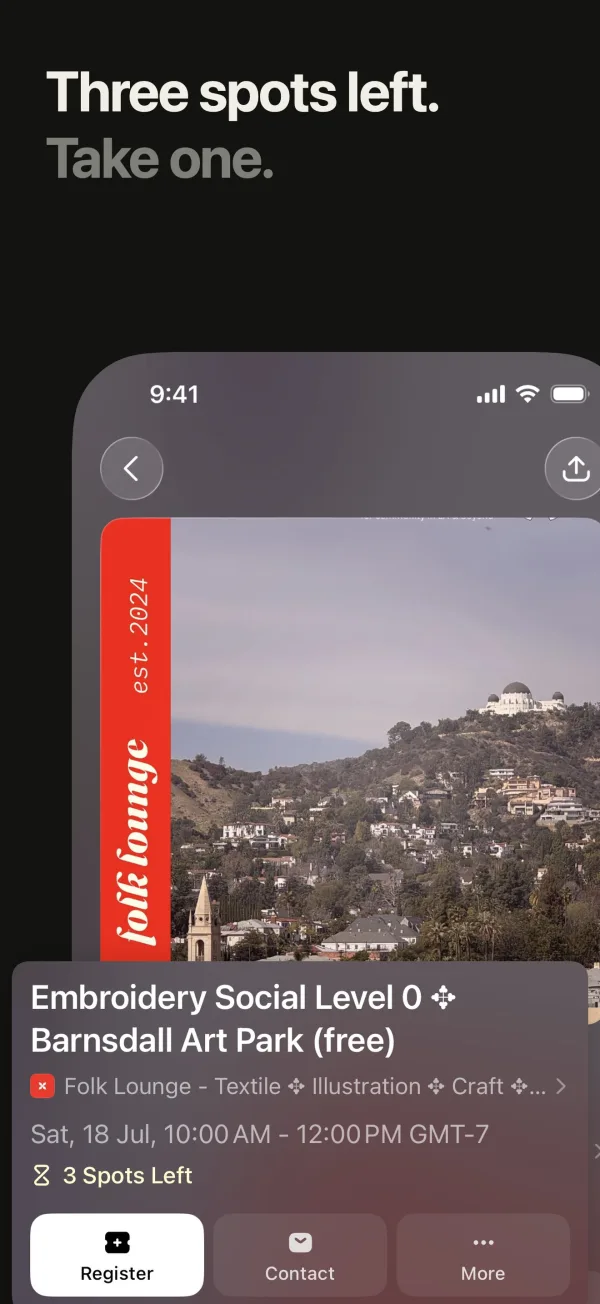
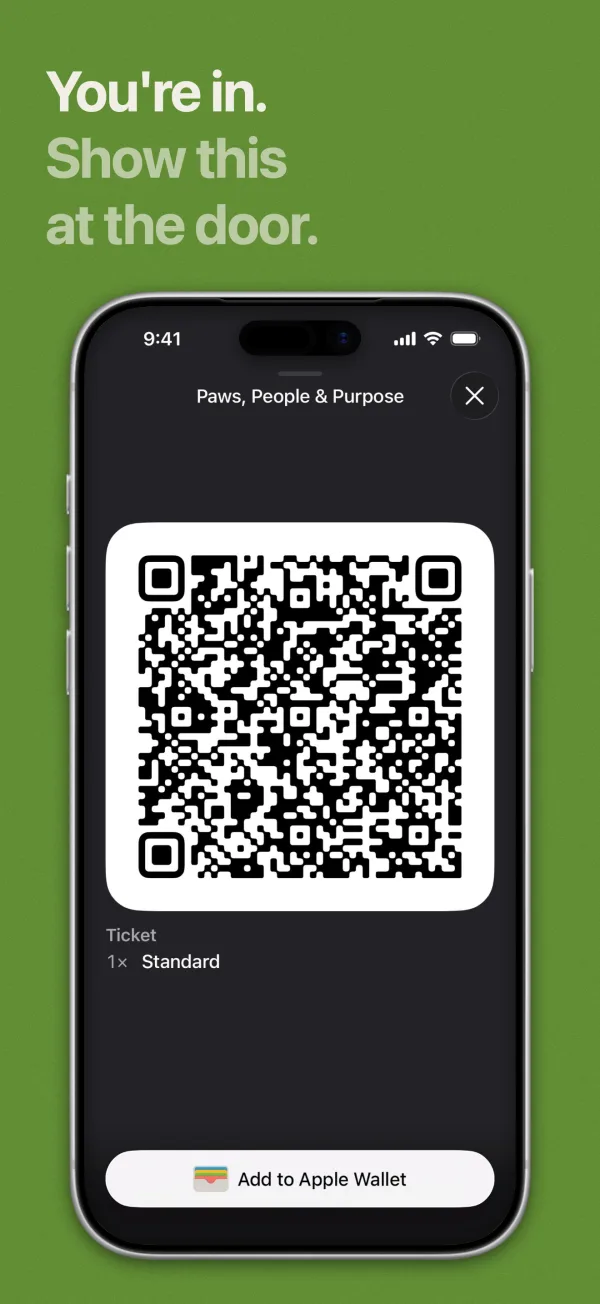
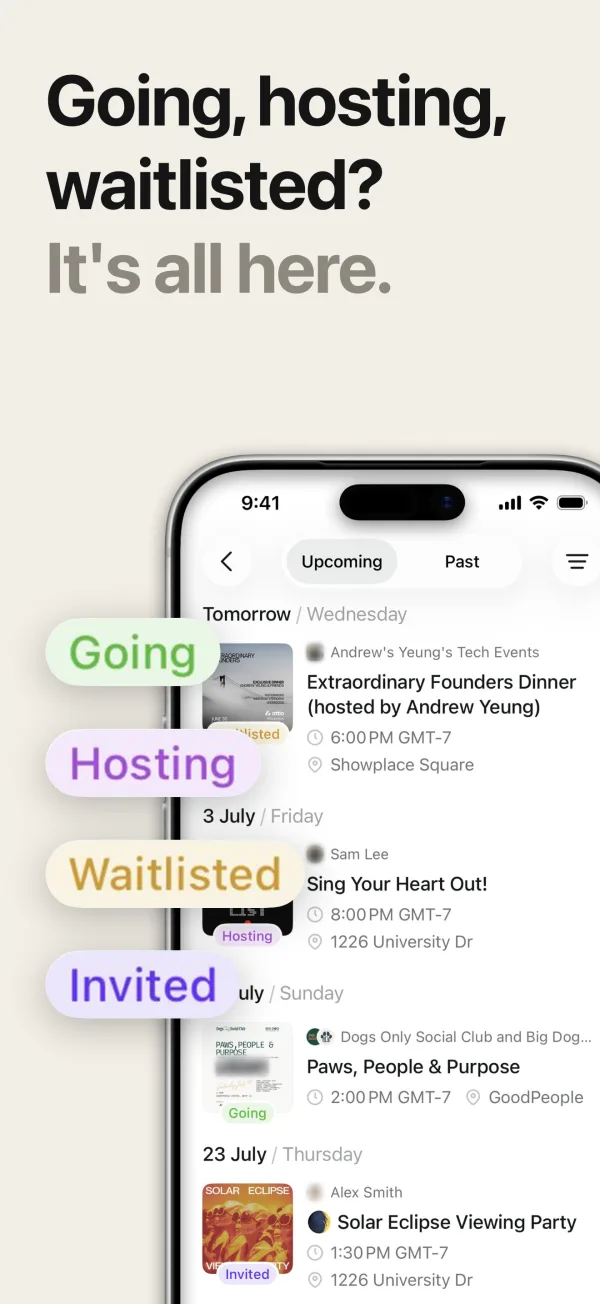
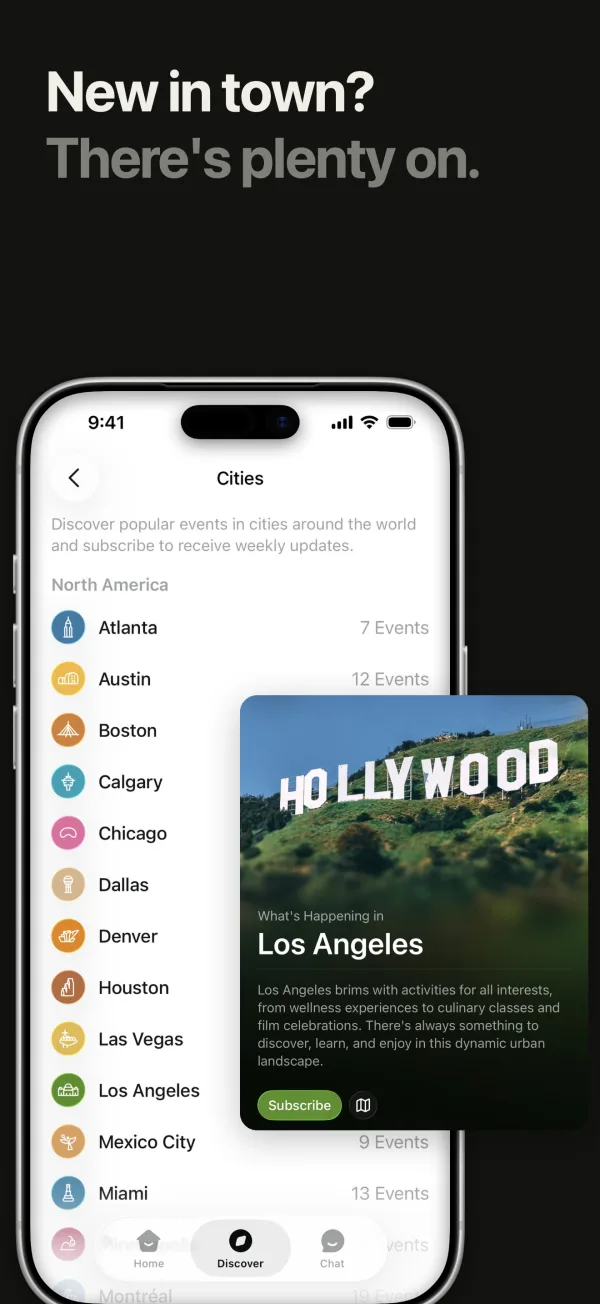
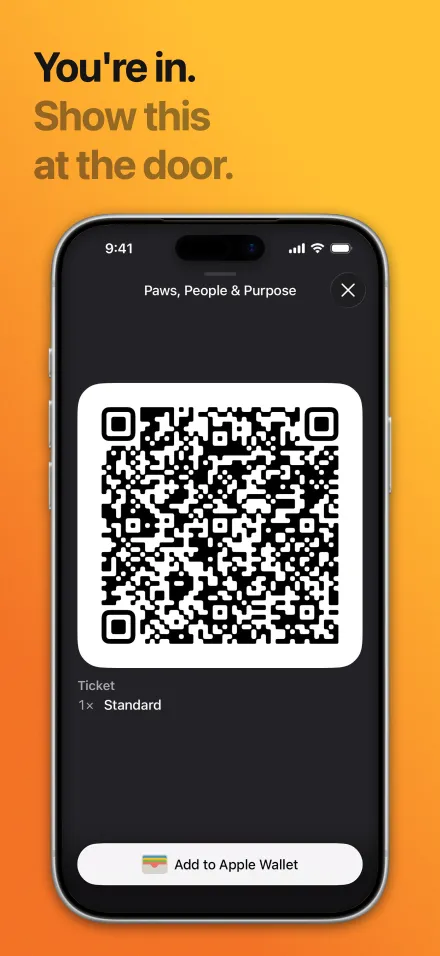
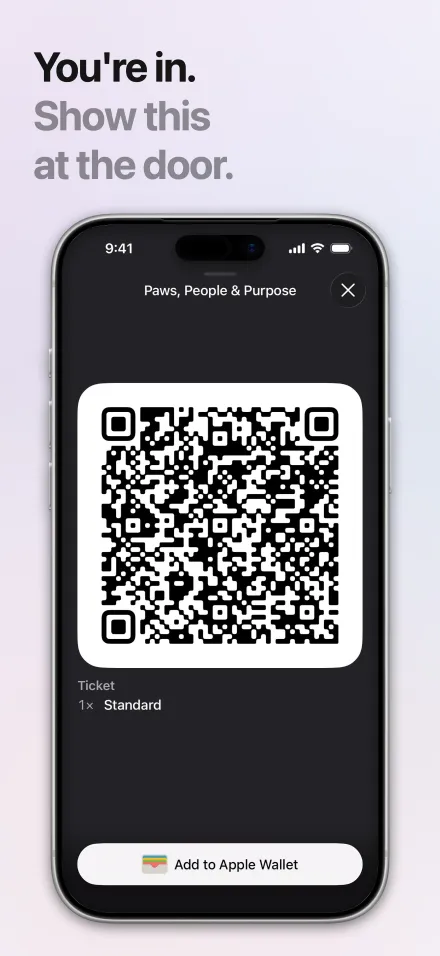
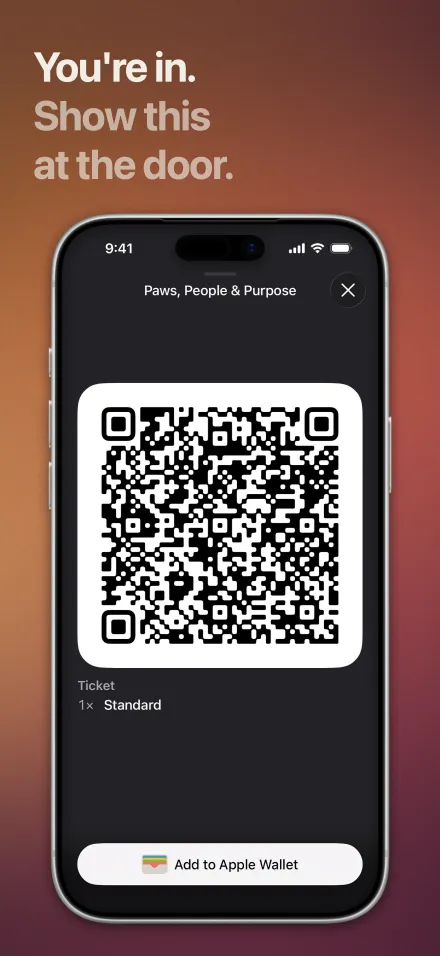
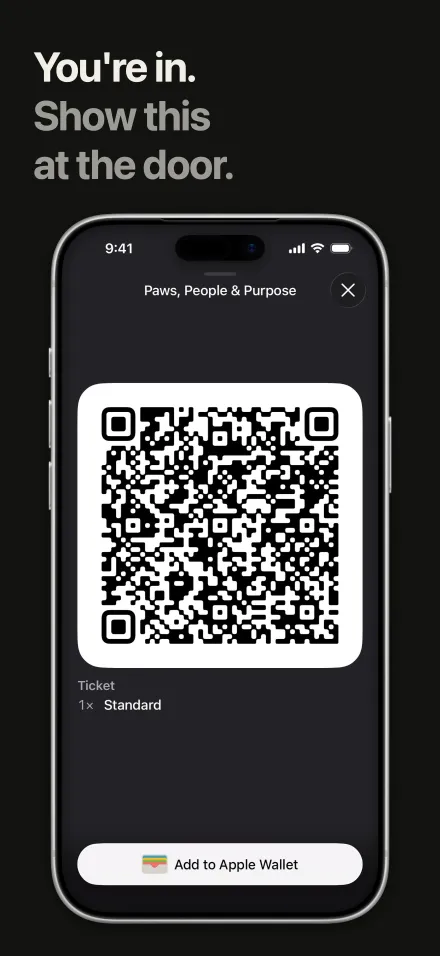
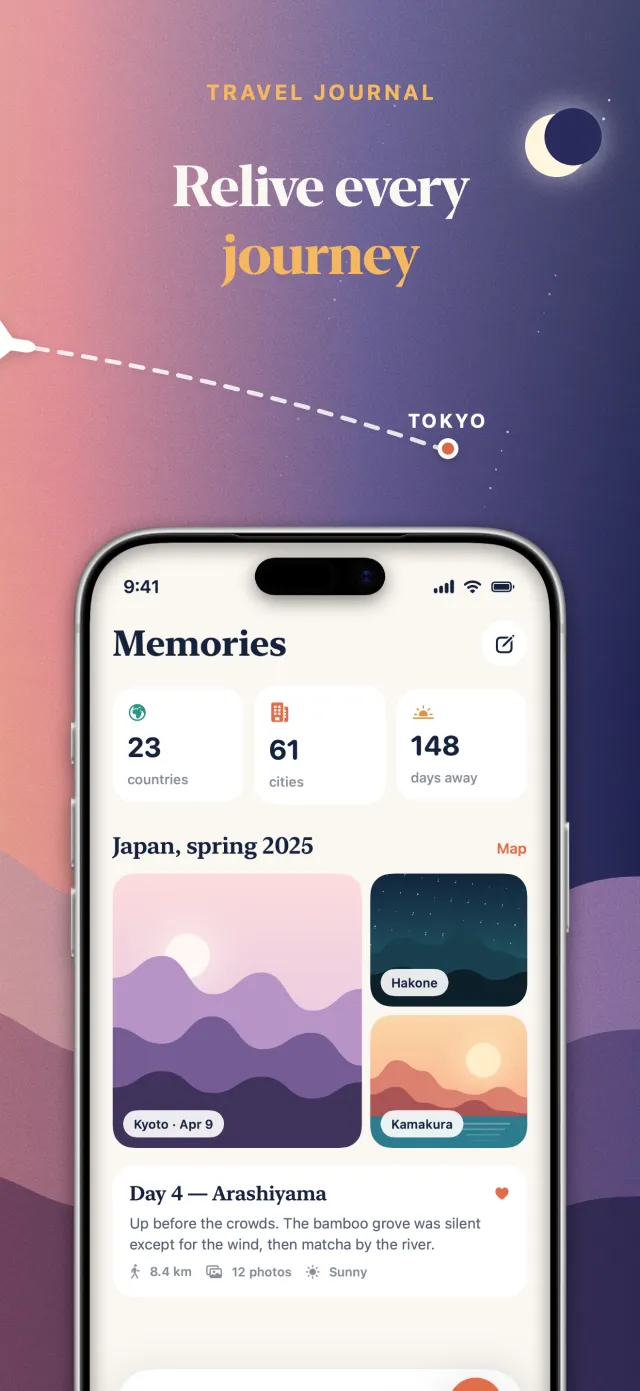
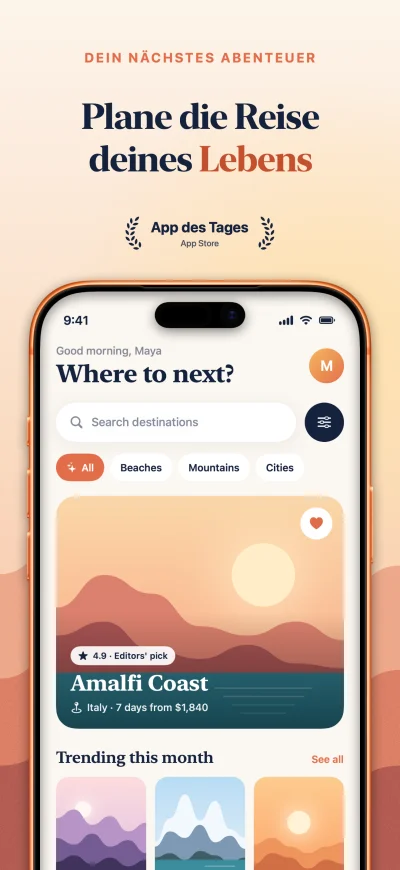
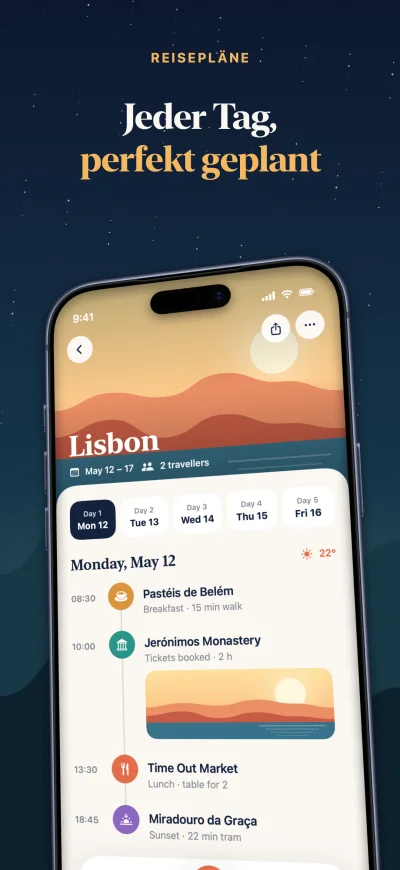
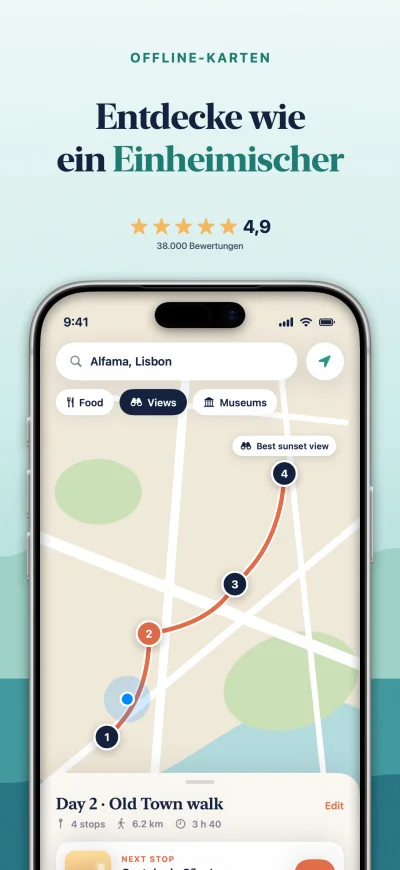
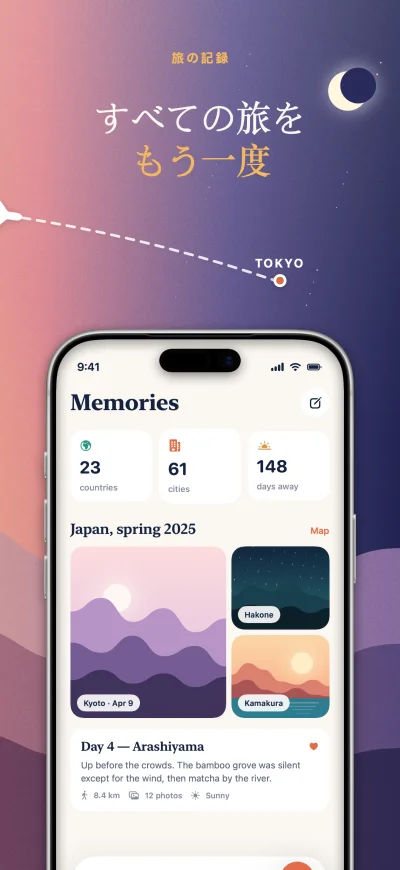
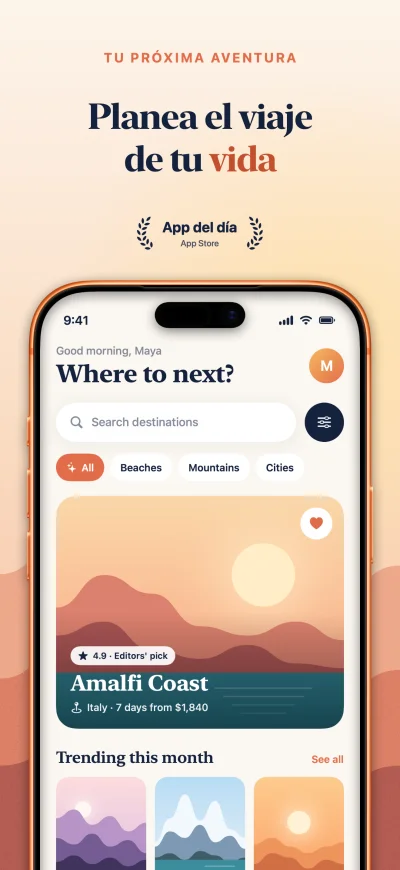
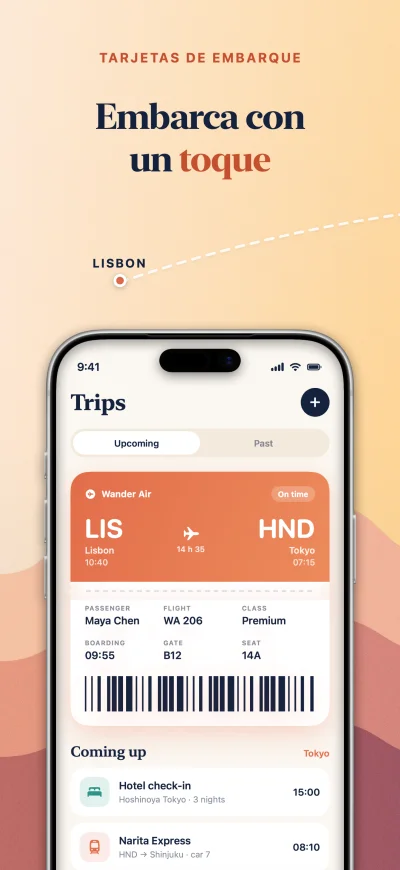
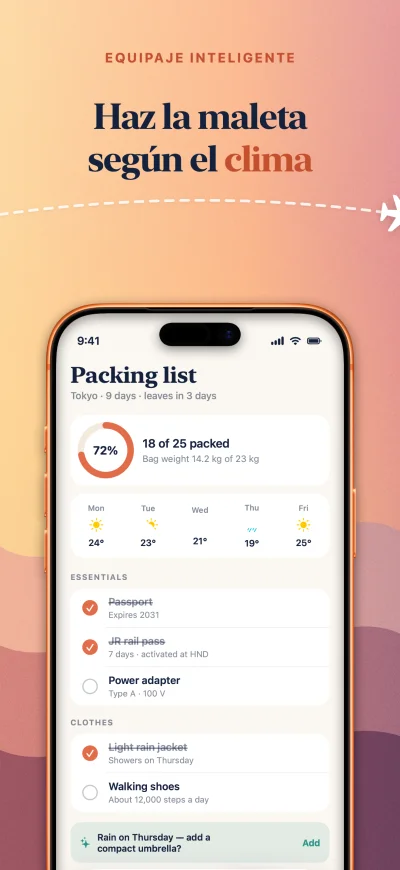
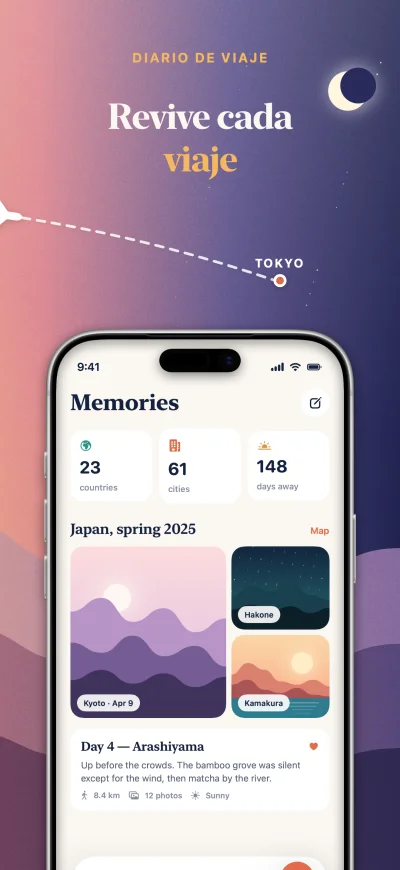
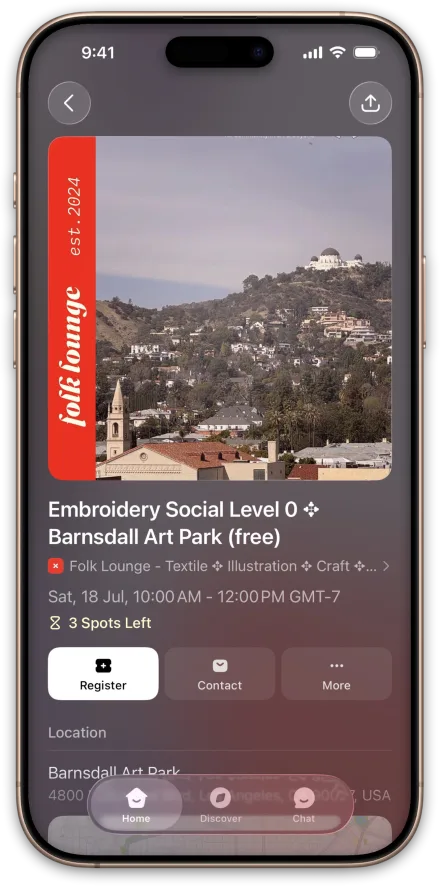
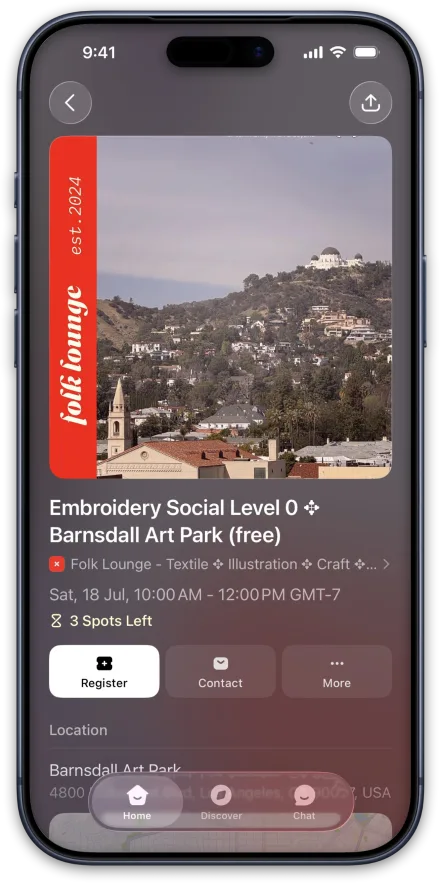
App Store screenshot made in Screenpane: an events app's Discover screen under a fan of event posters, headline “Find your next night out.”App Store screenshot made in Screenpane: an event page with its register button under the headline “Three spots left. Take one.”App Store screenshot made in Screenpane: a QR ticket on a silver iPhone under the headline “You're in. Show this at the door.”App Store screenshot made in Screenpane: Going, Hosting, Waitlisted and Invited labels lifted off an events list under the headline “Going, hosting, waitlisted? It's all here.”App Store screenshot made in Screenpane: a list of cities with a Los Angeles card lifted out under the headline “New in town? There's plenty on.”

DesignTranslateCheckUpload

The whole screenshot day, from your Simulator screenshots to App Store Connect and Google Play, in one app.

In motion

From ⌘S to App Store Connect.

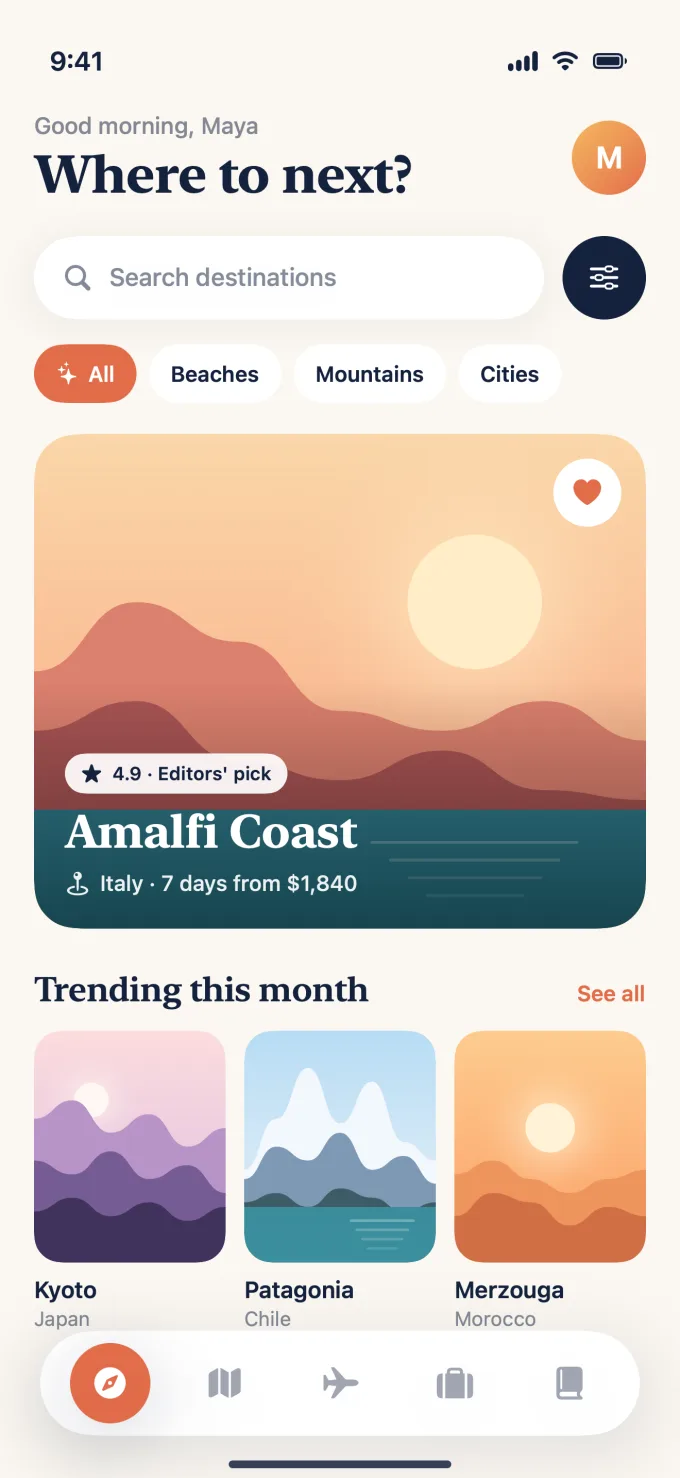
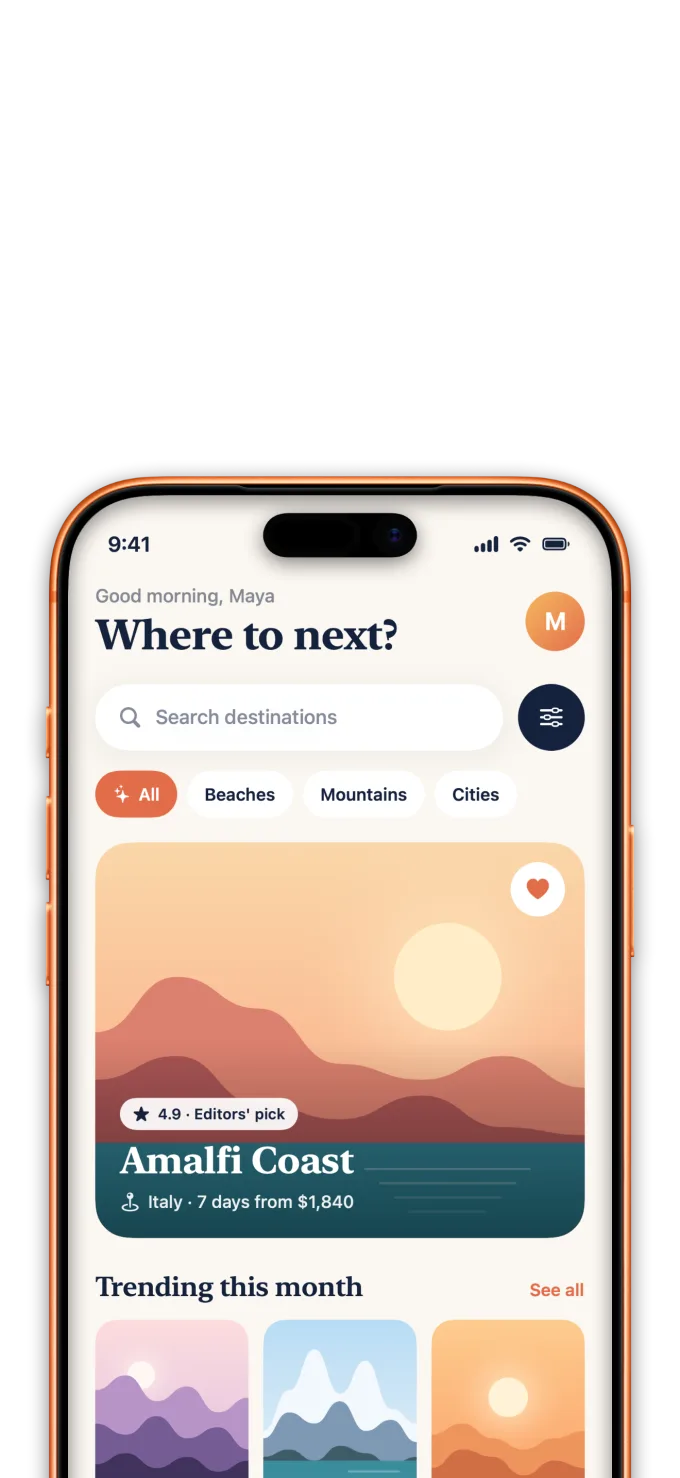
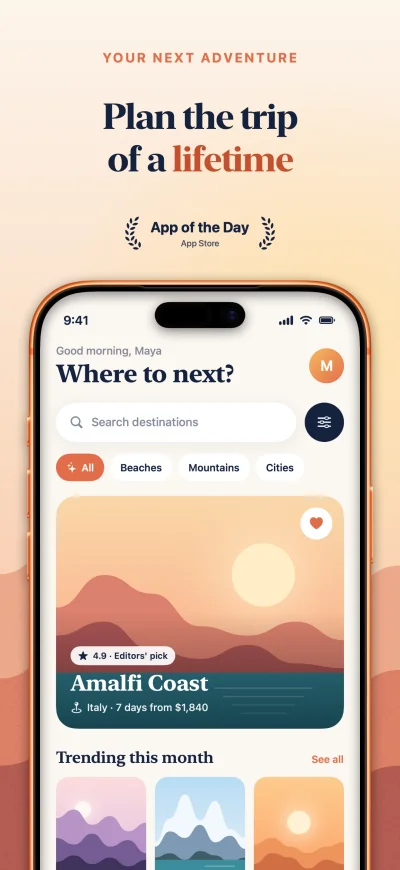
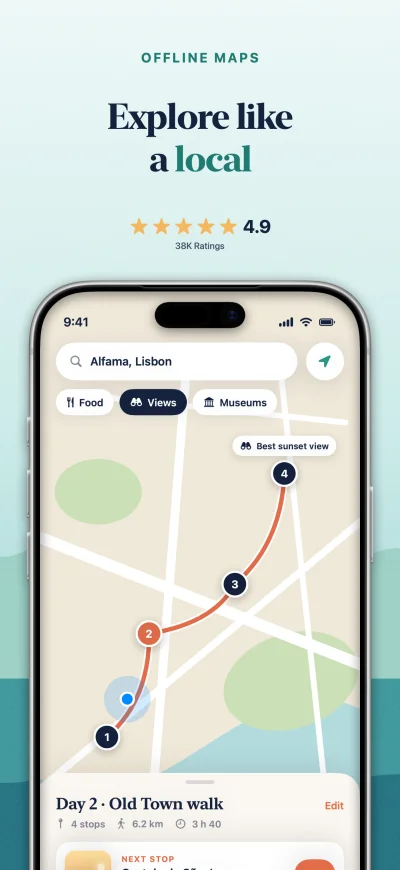
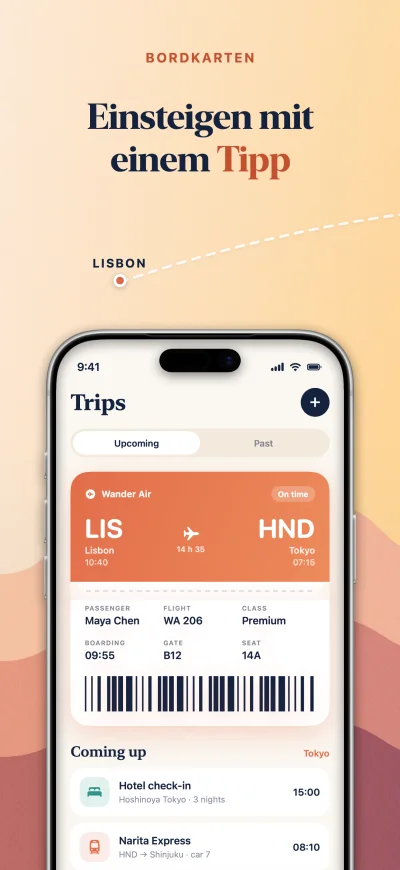
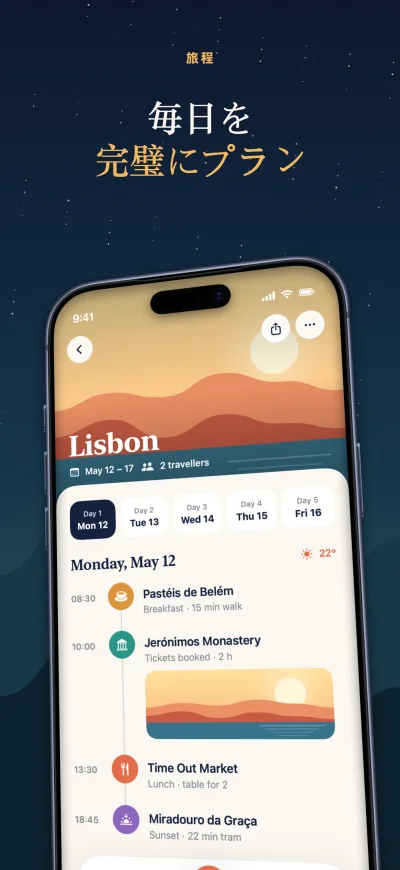
One screenshot of Wander, a demo travel app, taken apart. Point Screenpane at your Simulator's screenshot folder and every ⌘S lands with its frame, background and words already in place, all at once.

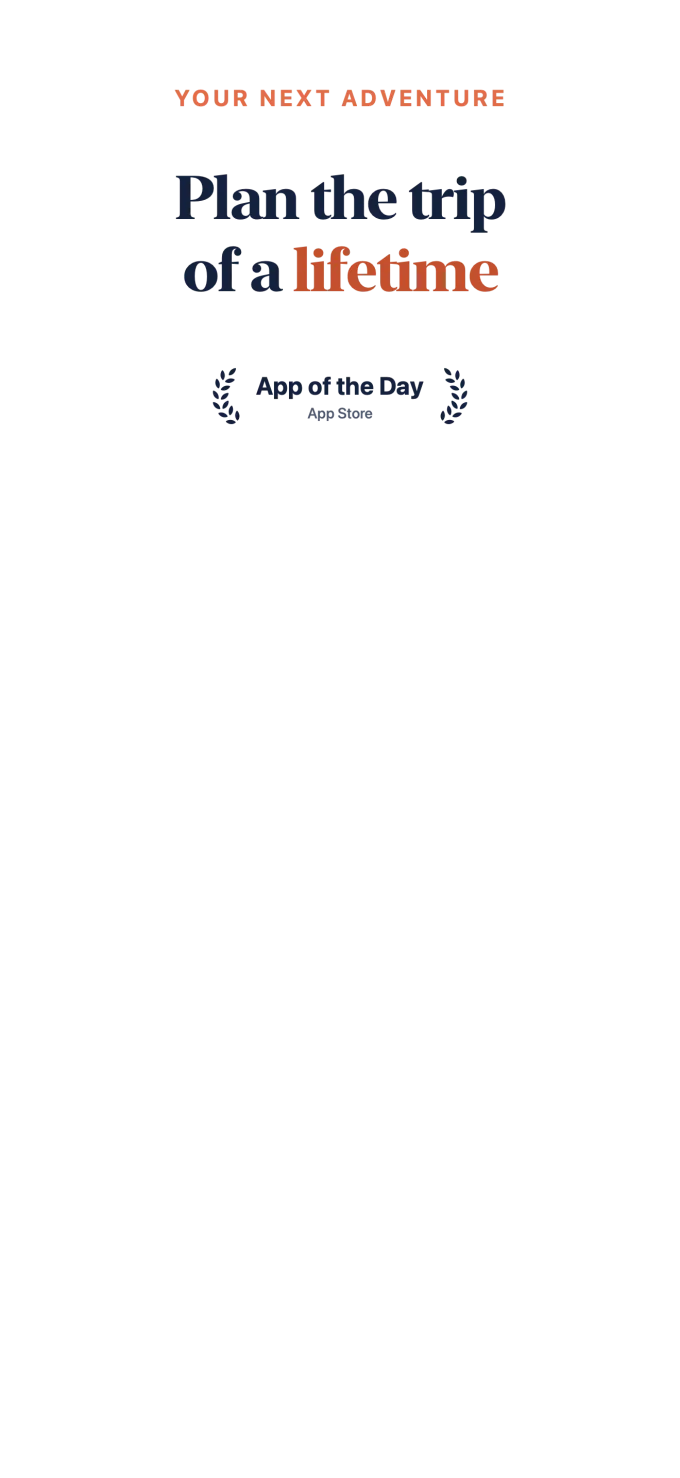
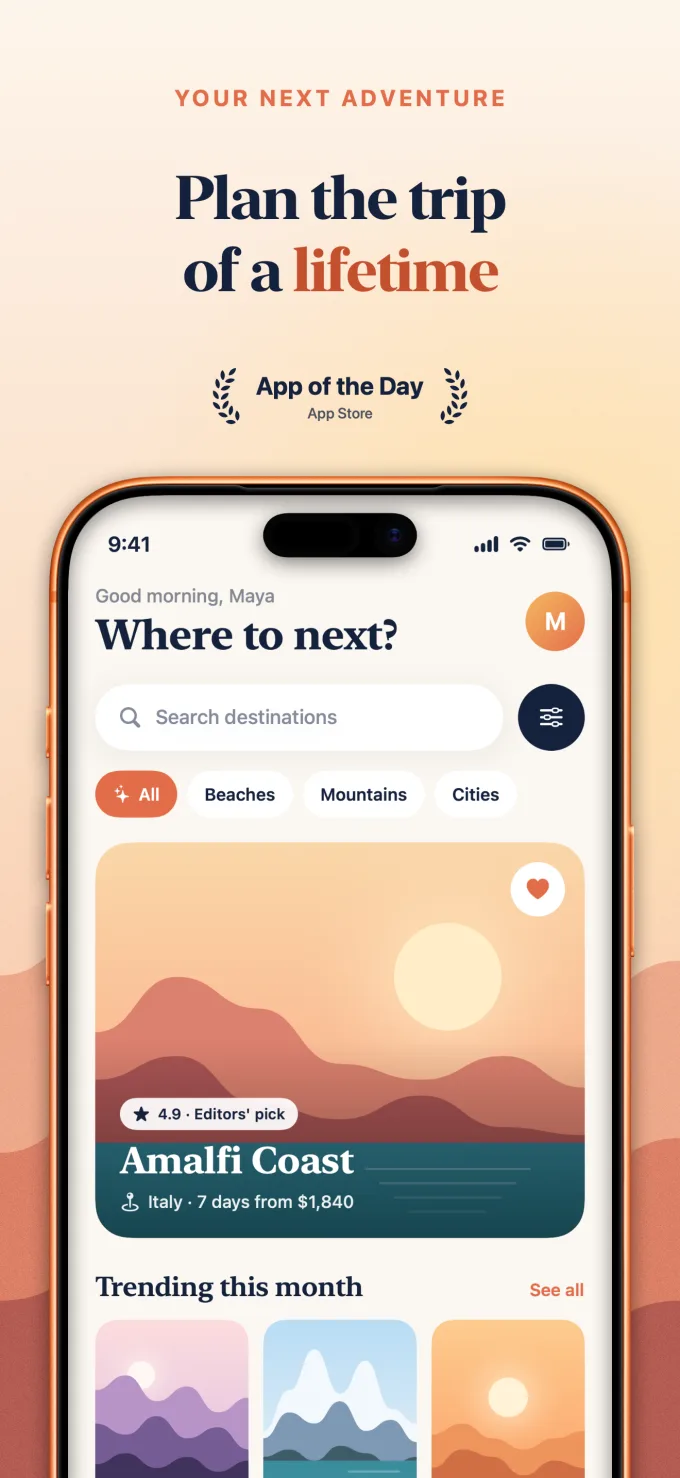
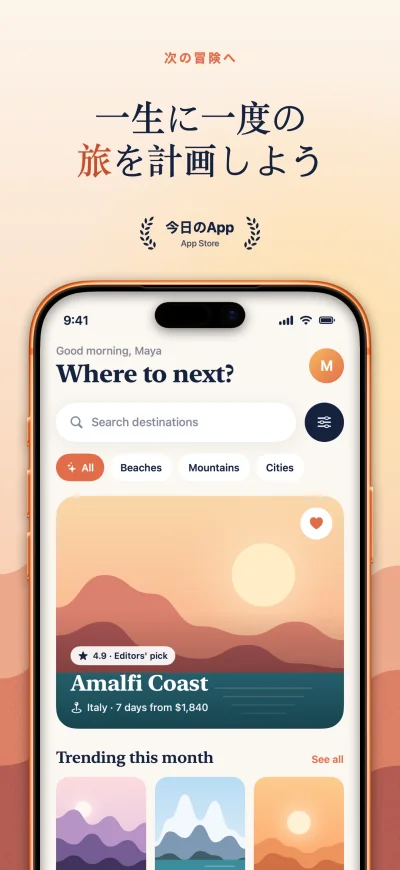
The finished Wander Discover screenshot, as Screenpane exports it: Plan the trip of a lifetime, App of the Day laurels, and the app in an orange iPhone.
The export · 1320 × 2868

Screenshot day

Three hours becomes a few minutes.

My own screenshot day, before and after I built this. These are my timings on my own app, not a benchmark — what changes is that styling, translation, export and upload stop being four separate jobs.

“I built Screenpane because screenshot day kept eating my weekends.”
Sambulo Senda · maker of Screenpane

The old way

~3 hours

  • Capture screens by hand, device by device45 min
  • Reframe every shot in a Figma template60 min
  • Paste translations in, locale by locale40 min
  • Export, rename, sort into folders20 min
  • Upload size by size in the browser25 min

With Screenpane

Minutes

  • ⌘S in the Simulator — shots import themselves
  • Your OpenAI key translates the rest in one click
  • One export writes every size and every locale you add
  • One push sends it all to App Store Connect

Agents · New in 1.8

Or let your coding agent make them.

Ask Claude Code, Cursor or any agent that runs a local MCP server. It captures the Simulator, designs the set in Screenpane, checks every language and exports the files while you watch the canvas, and every edit is a step you can undo.

How it works with your agent ›
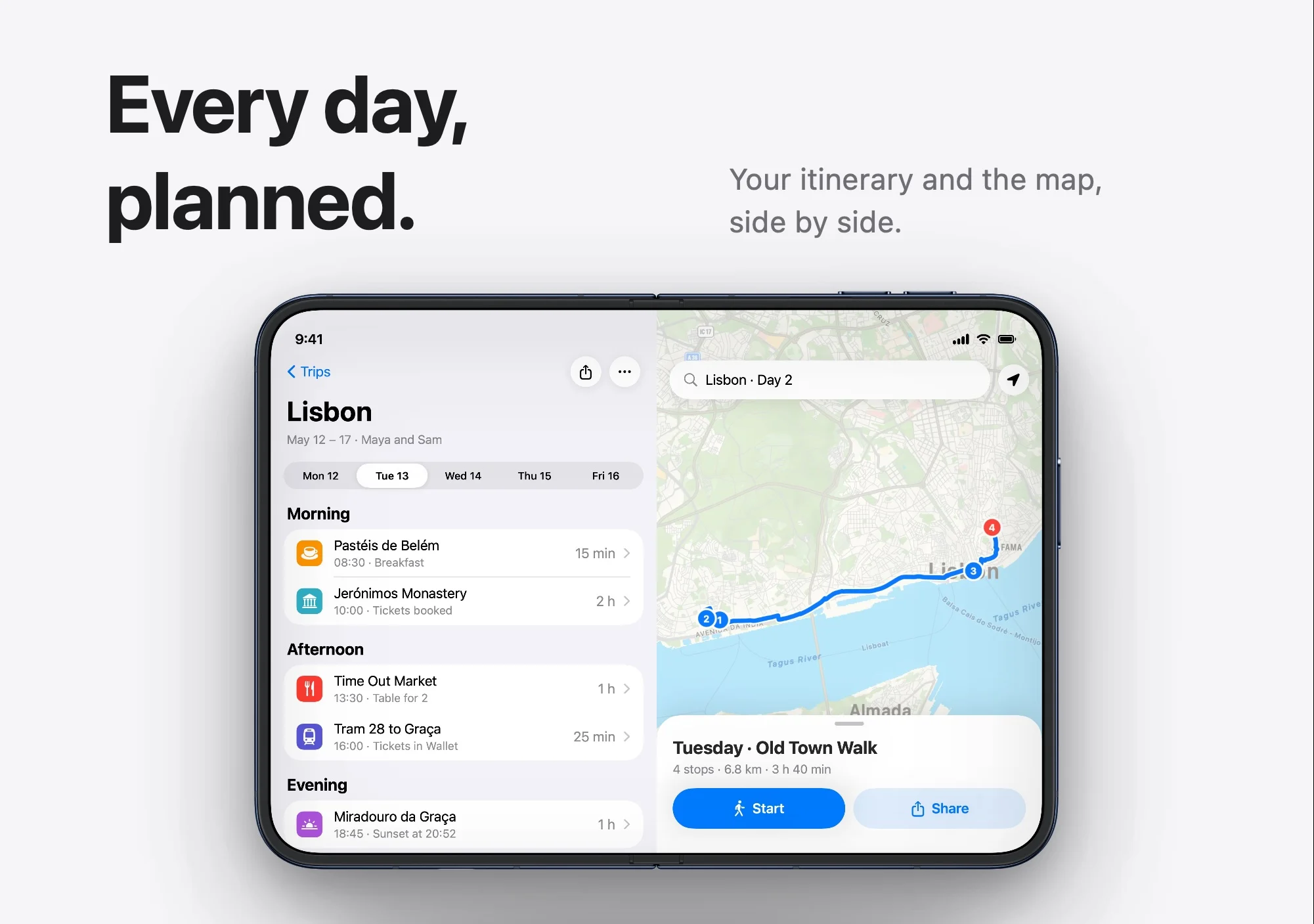
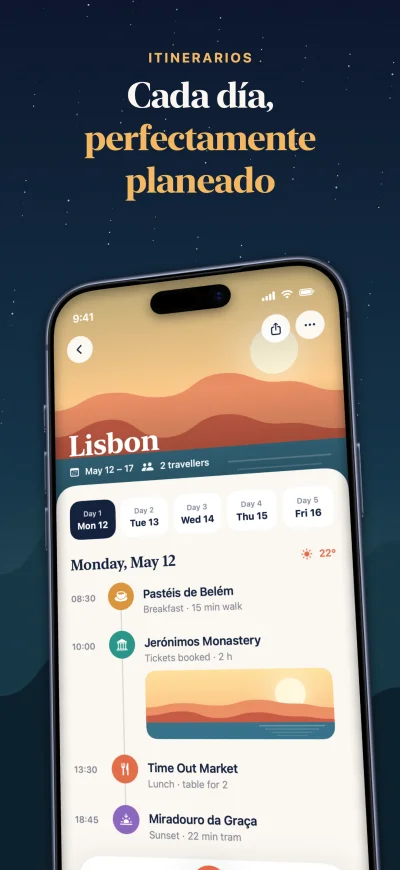
An iPhone Duo App Store screenshot: the headline Every day, planned, and the open Duo showing a Lisbon itinerary beside a map of the day's walk.
Designed by Claude through Screenpane's agent tools, from three captures.

Where it lands

This is how it looks in the store.

One capture, framed and captioned in the App Store's exact dimensions — then the same listing in every language you ship. Switch the locale.

Wander

Travel planner & journal

GET

App Store · en-US

iPhone Screenshots

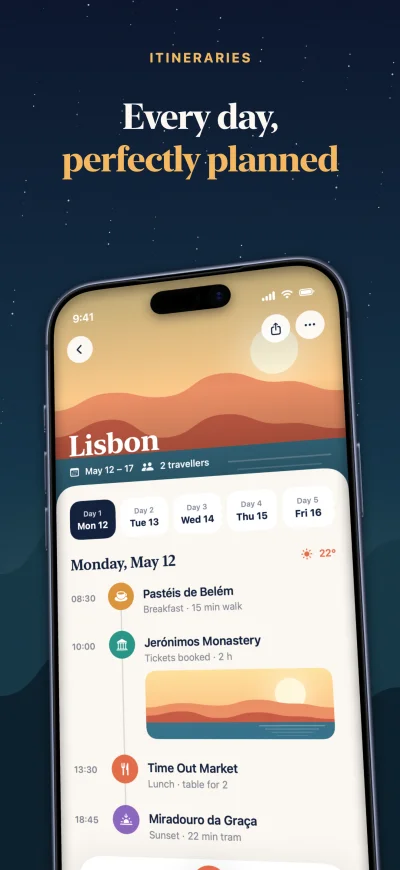
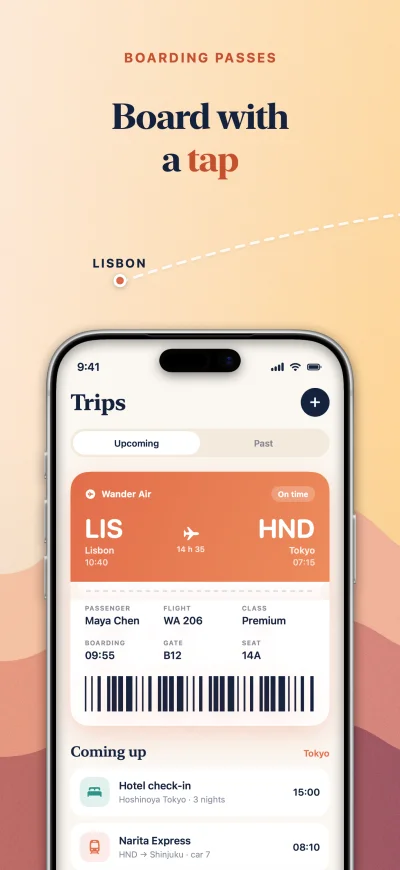
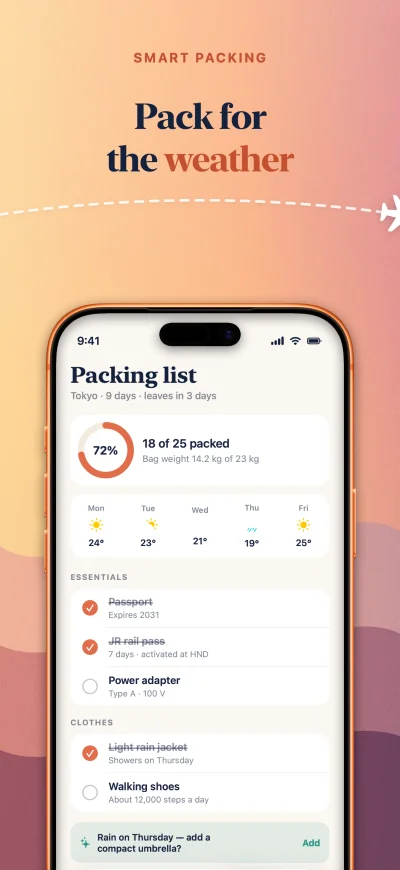
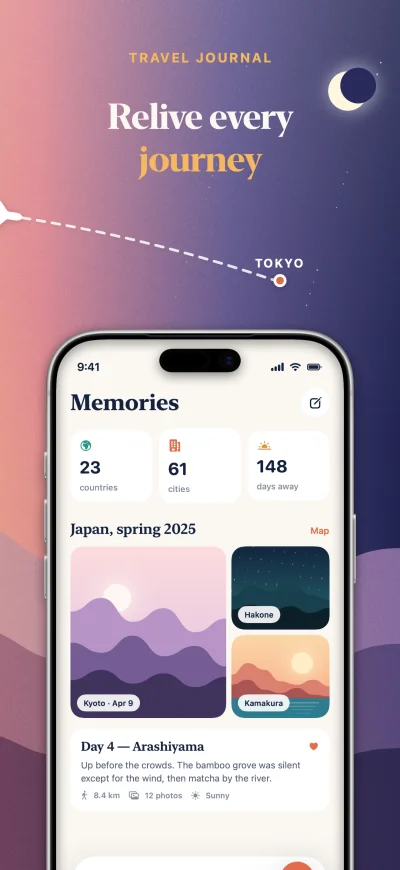
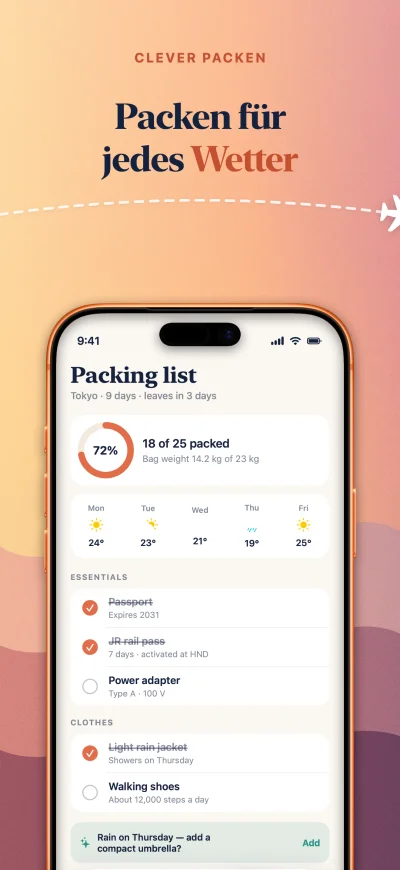
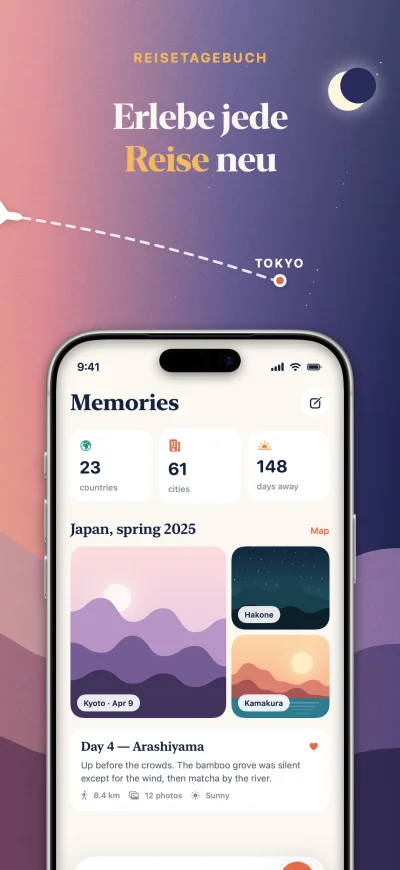
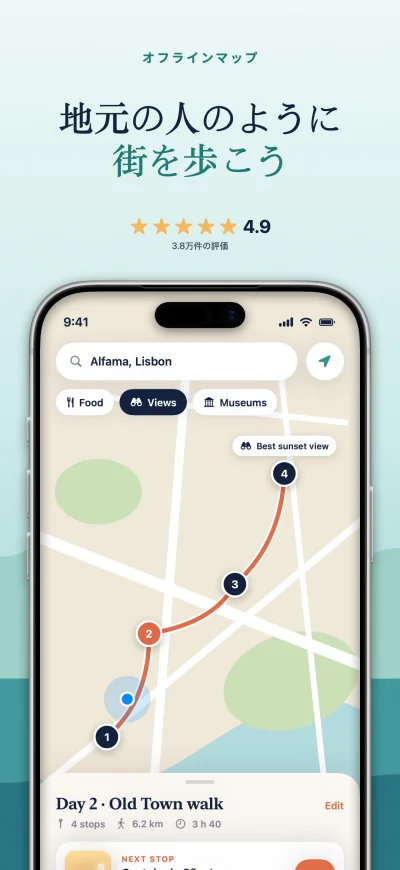
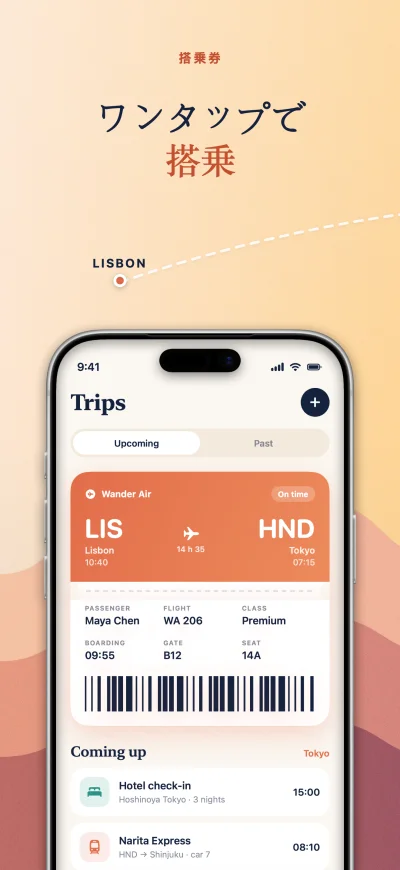
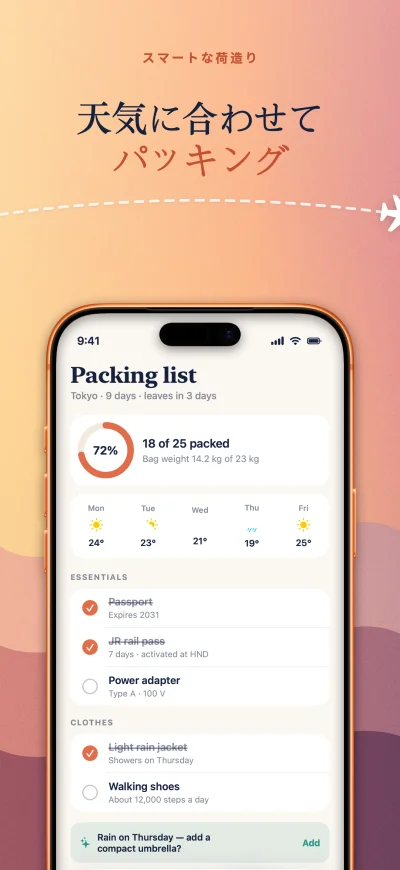
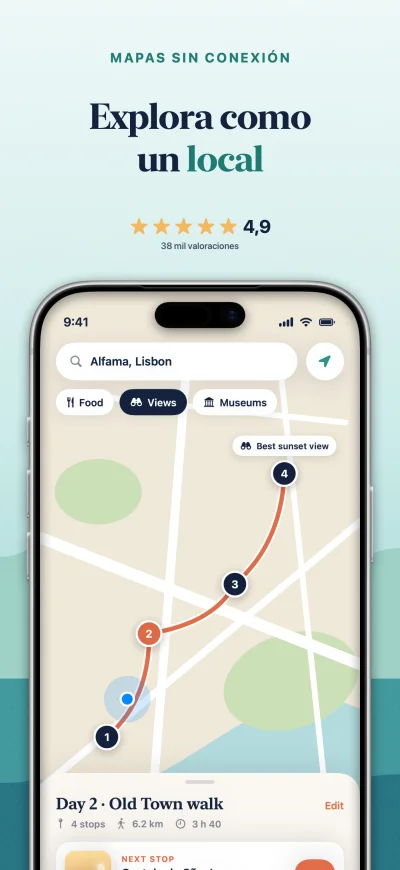
Wander App Store screenshot 1 of 6, the discover screen, captioned in English. A real Screenpane export.Wander App Store screenshot 2 of 6, the itinerary screen, captioned in English. A real Screenpane export.Wander App Store screenshot 3 of 6, the map screen, captioned in English. A real Screenpane export.Wander App Store screenshot 4 of 6, the boarding pass screen, captioned in English. A real Screenpane export.Wander App Store screenshot 5 of 6, the packing list screen, captioned in English. A real Screenpane export.Wander App Store screenshot 6 of 6, the travel journal screen, captioned in English. A real Screenpane export.

Features

Everything screenshot day needs.

Device frames

Ten iPhone and iPad models in their real body colours, a flat frame in any colour you like, and 3D tilt on every layer above the background.
The same Luma capture in an iPhone 16 Pro Max in Desert Titanium, rendered by ScreenpaneThe same Luma capture in an iPhone 17 Pro Max in Deep Blue, rendered by ScreenpaneThe same Luma capture in an iPhone 17 Pro Max in Silver, tilted in 3D, rendered by ScreenpaneThe same Luma capture in an iPhone 17 Pro Max in Cosmic Orange, rendered by ScreenpaneThe same Luma capture in an iPhone 16 Pro Max in Black Titanium, rendered by Screenpane

Backgrounds

Thirty-one built-in backgrounds — mesh, gradient and solid — with multi-stop gradients and a grain pass over any of them.
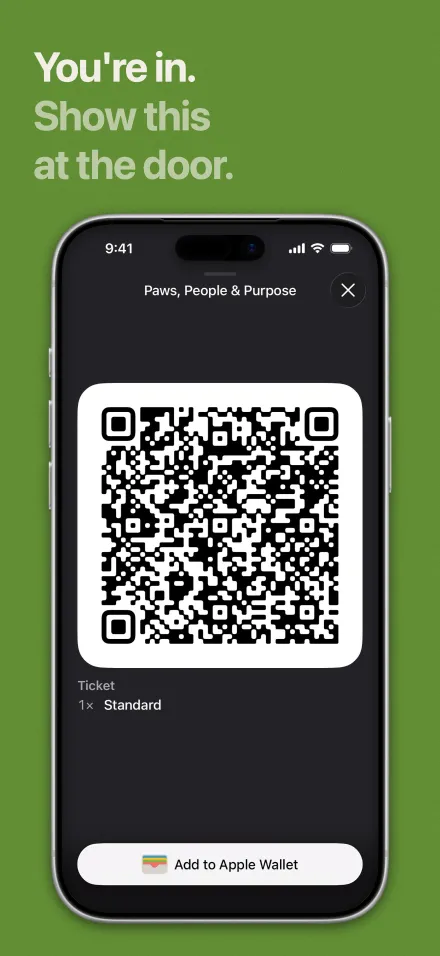
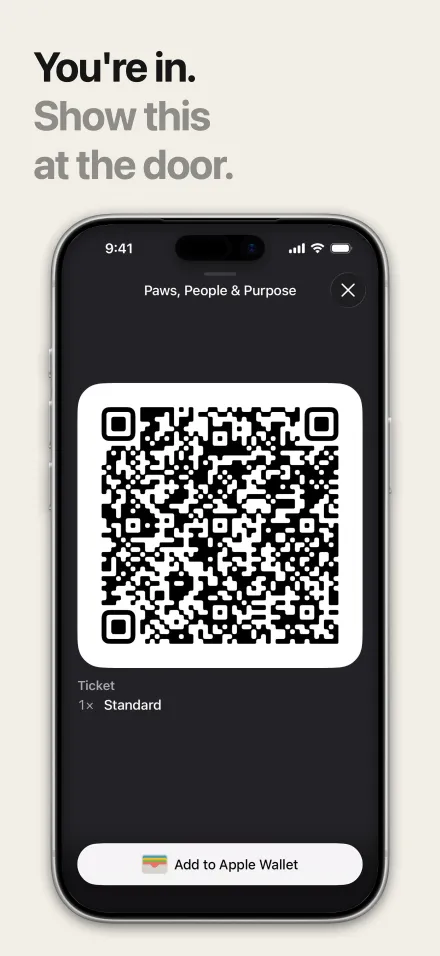
Luma's ticket App Store screenshot on Luma's own green, rendered by ScreenpaneLuma's ticket App Store screenshot on Luma's paper, rendered by ScreenpaneLuma's ticket App Store screenshot on the Golden Hour gradient, rendered by ScreenpaneLuma's ticket App Store screenshot on the Silk mesh, rendered by ScreenpaneLuma's ticket App Store screenshot on the Dusk mesh, rendered by ScreenpaneLuma's ticket App Store screenshot on Luma's night, rendered by Screenpane

PanoramaNew

Link adjacent screens and one background runs unbroken across several App Store slots, with anything that crosses a join carried onto the next.
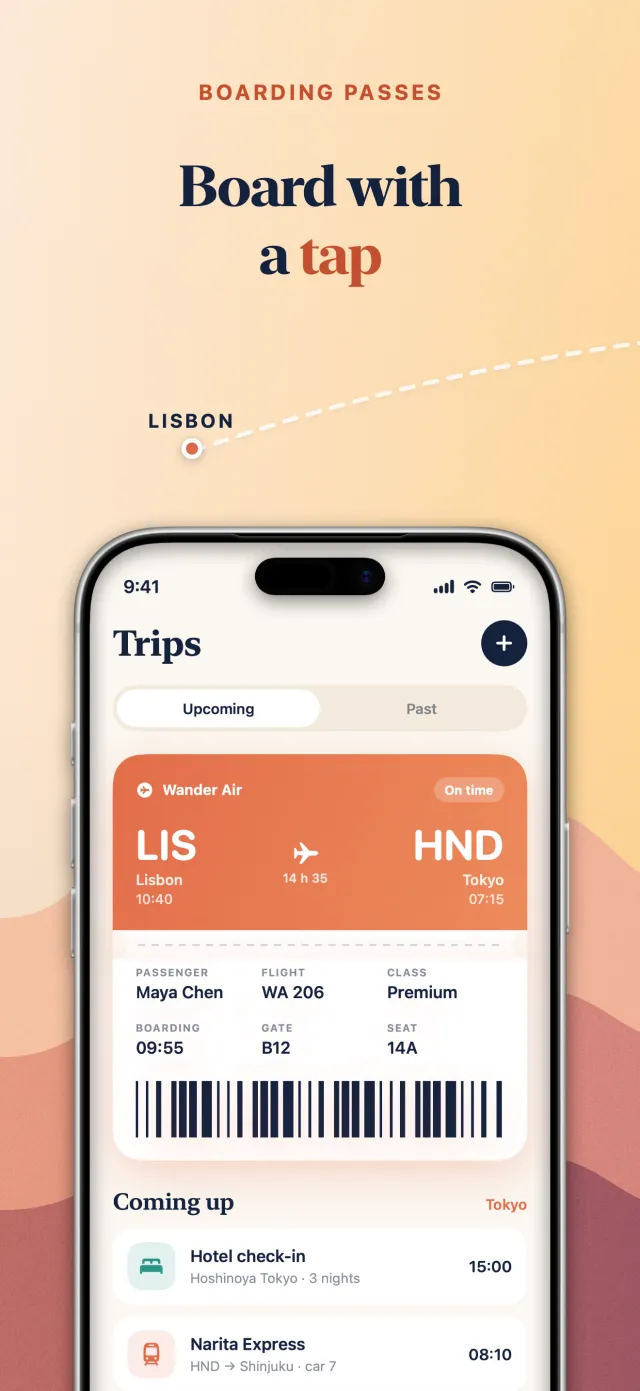
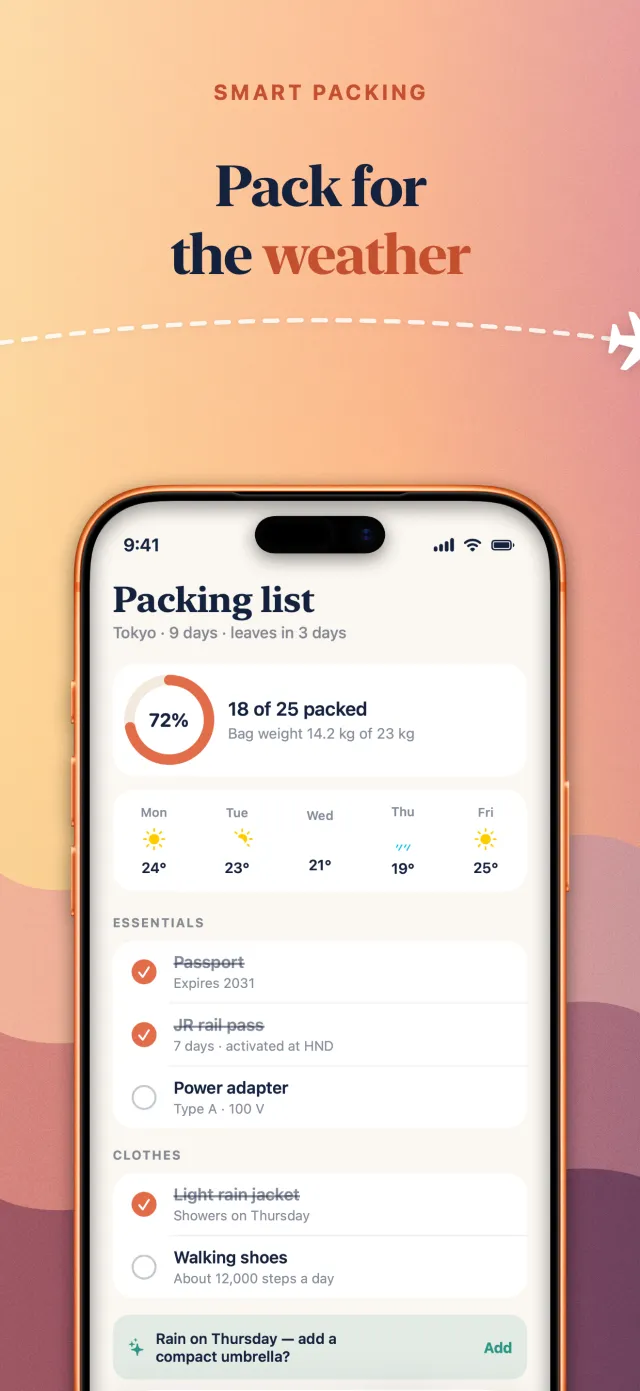
Wander's boarding pass screenshot, one of three linked App Store slots sharing a dawn-to-dusk background, exported by ScreenpaneWander's packing list screenshot, one of three linked App Store slots sharing a dawn-to-dusk background, exported by ScreenpaneWander's travel journal screenshot, one of three linked App Store slots sharing a dawn-to-dusk background, exported by Screenpane

36

App Store languages

Captions and listing text, inside Apple's character limits. Your hand edits stay.

CheckNew

A live list of issues before you ship — overflowing words, sample text, untranslated captions — with one-click fixes.

Google PlayNew

A Google Play page lays every screen out again for Android, feature graphic included, and uploads straight to Google Play.

Upload

Sends only the screenshots that changed to App Store Connect, checking each file before it goes.

The full spec list27 lines · capture, design, translate, ship

Capture

  • Drag screenshots in, or ⌘I to pick several at once.
  • Device size read from the pixel dimensions, not asked for.
  • Swap a screen's source shot without rebuilding the design.

Design

  • Wrap words in ** and they take your highlight colour.
  • Star ratings, award laurels, callout pills and review quotes.
  • Crop a region of your screenshot into a floating card.
  • Bring a .ttf or .otf — it travels inside the project file.
  • Tilt, rotate and spin any layer above the background on three axes.
  • Stroke, background plate and drop shadow on any caption.
  • Eleven starter layouts and thirty-one backgrounds.
  • Snapping between layers, and a text safe zone to keep captions clear.
  • See the whole set side by side, in store order.
  • The Edit menu tells you what you are about to undo.

Translate

  • Add the ten biggest App Store languages in one click.
  • Refills only what is missing — your hand edits stay.
  • Badges translate too, and a star rating is written the local way: 4,9 in German.
  • Translates title, subtitle, keywords and description too, inside Apple's character limits.

Ship

  • Three iPhone sizes, two iPad and the iPhone Duo's four, exported at the store's exact pixels.
  • iPhone Duo: all four sizes from one design, each with its own layout and capture.New
  • Three file naming patterns, so the folder sorts the way you think.
  • A phone design never renders into an iPad size.
  • A Google Play page lays every screen out again for Android, feature graphic included.New
  • Warns you before exporting a screen that still says sample text.
  • Pulls and pushes your listing text, and exports iOS 27 creative assets.
  • Uploads only the screenshots that changed, checking each file before it goes.New
  • Uploads a Google Play page straight to Google Play.New
  • A live list of issues before you ship — overflowing words, sample text, untranslated captions — with one-click fixes.New

FAQ

The fine print, answered.

Do I need Xcode?

No. Drag in any screenshot, or point Screenpane at a folder and it picks them up as you save them. A booted Simulator helps, but Screenpane never needs to drive it.

How is this different from RocketSim or fastlane frameit?

RocketSim captures; frameit frames. Screenpane is the rest of the day — layered design on a canvas locked to the store's pixels, captions in thirty-six languages, your listing text, and a direct push to App Store Connect. One app, no config files.

Apple silicon or Intel?

Both — Screenpane is a universal binary. Requires macOS 15 or later.

What happens when the trial ends?

The 14 days are the full app — no signup, no card. After that you can still open and edit every project you made, so nothing is locked away — exporting and App Store Connect upload need a licence.

Which currency, and is there VAT?

Screenpane is priced in pounds: £29 once (about $39), or £7 a month; your bank converts at its own rate. Polar is the merchant of record and adds VAT or sales tax where your country requires it, shown before you pay.

Is there a subscription?

Only if you want one. £7 a month suits a single release: same app, same licence key, cancel any time from the customer portal, and export locks when the paid month ends. The lifetime licence is £29 once, about four months of the subscription, and yours to keep.

Does my work leave my Mac?

Projects and screenshots stay local. Uploads go straight to App Store Connect with your own API key; translations go straight to OpenAI with yours. There is no Screenpane server in the middle.

Is translation extra?

No charge from Screenpane. It uses your own OpenAI API key, so you pay OpenAI directly — fractions of a cent per caption.

Does it make Google Play screenshots?

Yes, since 1.5. Add a Google Play page and every screen is laid out again at Android phone and tablet sizes, with the feature graphic Play requires. Since 1.8 it uploads them straight to Google Play with your own service account key, or exports in the Play Console's layout for fastlane supply.

Can my AI coding agent use it?

Yes, since 1.8. Claude Code, Cursor, Codex or any agent that runs a local MCP server can design, capture, check and export your screenshots in Screenpane, live on your canvas, and every edit is a step you can undo. Set it up in one click in Settings › Agents; the agents page has the details.

Wasn't this called frametto?

Yes — frametto became Screenpane in September 2026. Same app, same licence: installed copies update themselves, your projects move over on first launch, and frametto.com forwards here.

Pricing

£29. Once.

Or £7 a month if you only need it for a release. Try it on your next screenshot day first — free for 14 days, no signup.

  • 14-day free trial — no signup, no card
  • Every feature, one tier — nothing locked
  • Direct upload to App Store Connect
  • Lifetime: free updates, nothing to renew
  • 14-day no-questions refund
  • One licence, three Macs

Licence key by email right after checkout. VAT added where your country requires it. Not for you? Refund within 14 days, no questions — hello@screenpane.com goes straight to the person who wrote it.